Focus · Meditation · Rewire

Attention is the most valuable asset in the 21st century.
Protect it.

Block distracting apps and get your focus back with Cascade.
Cascade Vault Live Activity Cascade Zen Live Activity Cascade Monk Live Activity
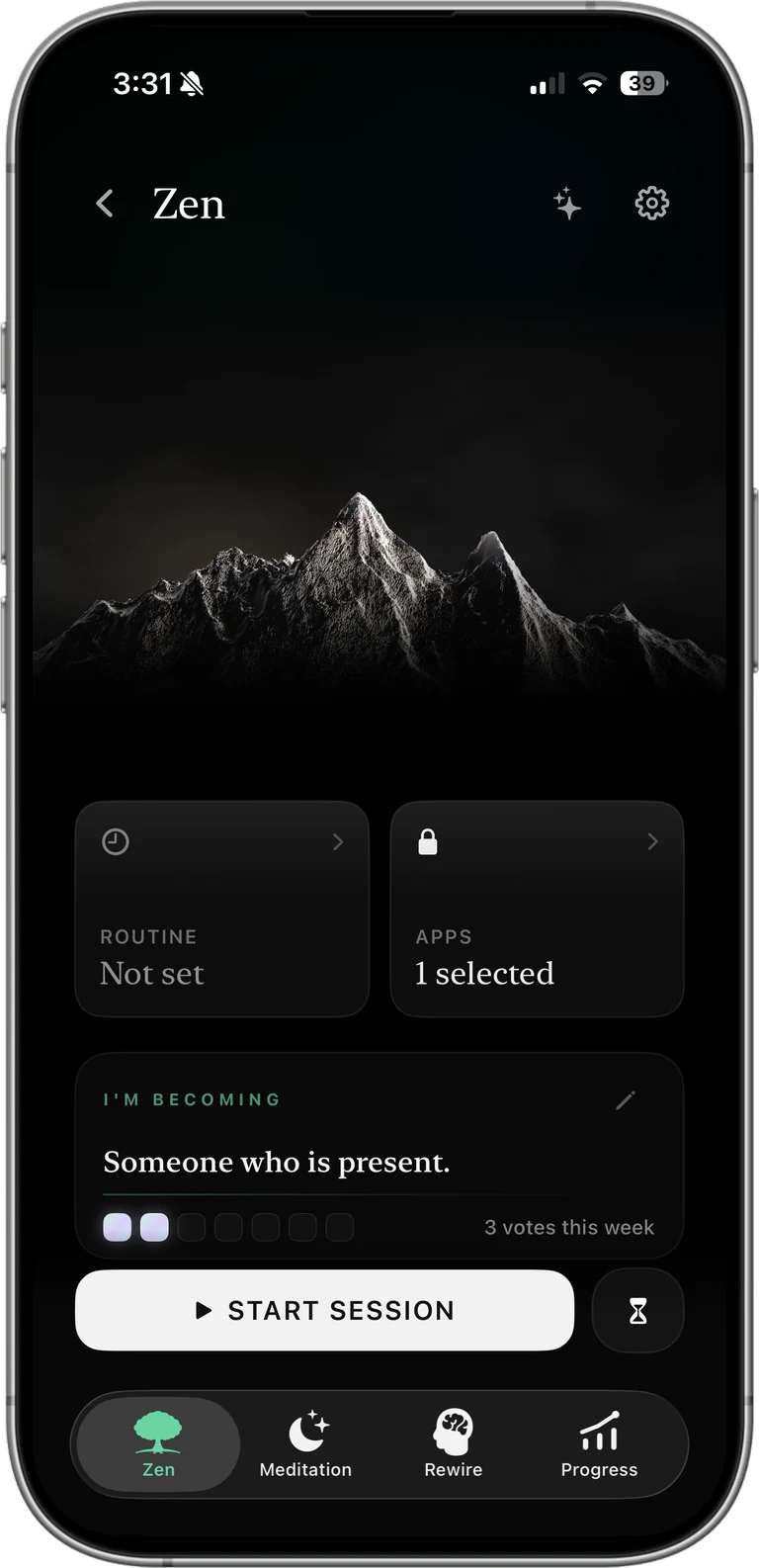
Cascade Zen
How it works

Starting a session takes three steps.

You choose your mode, choose which apps it covers, then start the timer.

1

Choose your mode

Cascade has three modes. Zen keeps it simple and stays free, Monk asks for more intention, and Vault holds you to the promise you made.

See the three modes
2

Choose which apps it covers

Pick apps one by one, or block a whole category such as social media in a single step. Anything you do not pick keeps working normally.

3

Start the timer

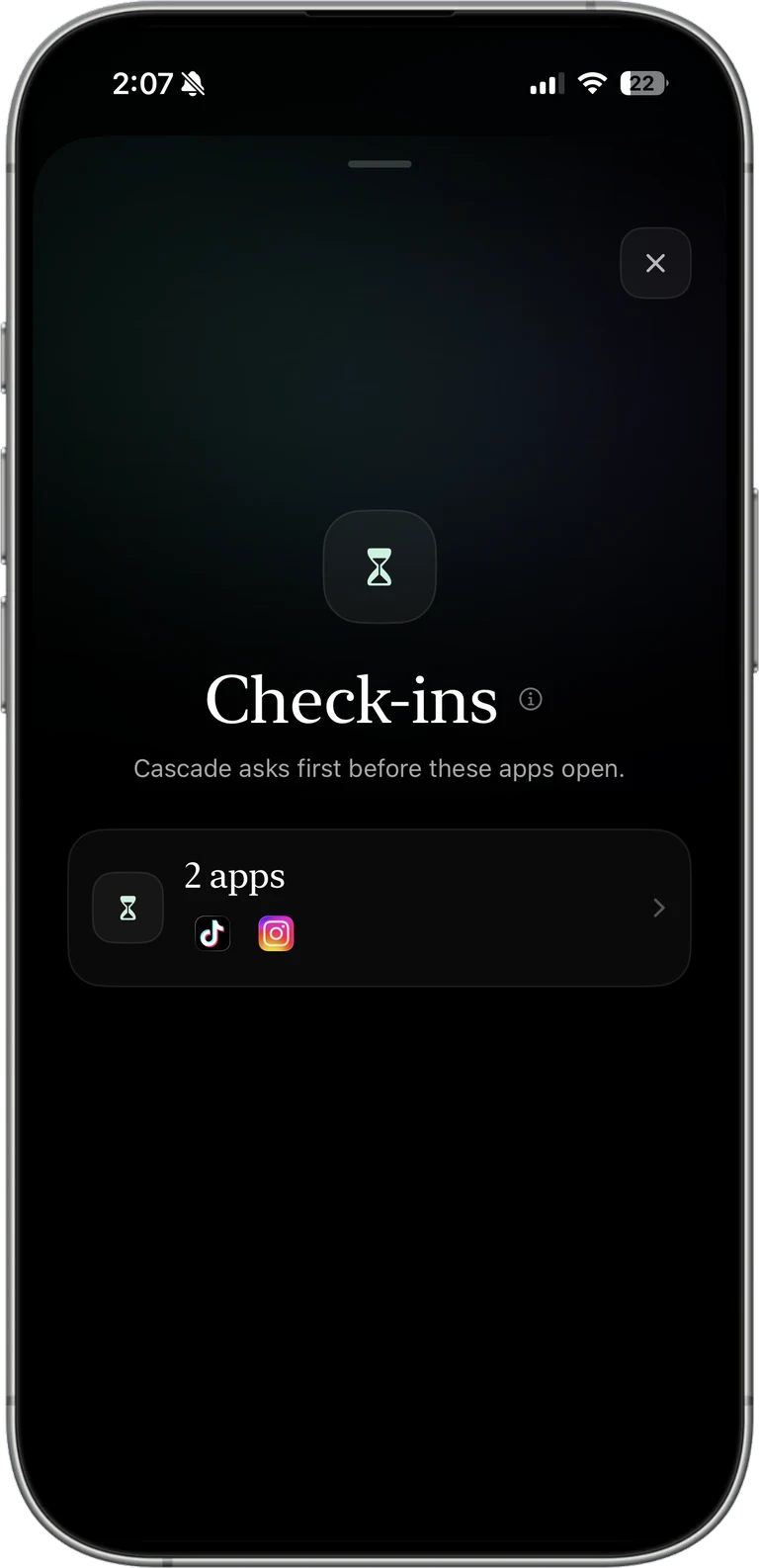
While the session runs, opening a blocked app shows a Cascade screen instead of the app. The block keeps working after you close Cascade, and after you restart the phone.

Choose your mode
Cascade Zen
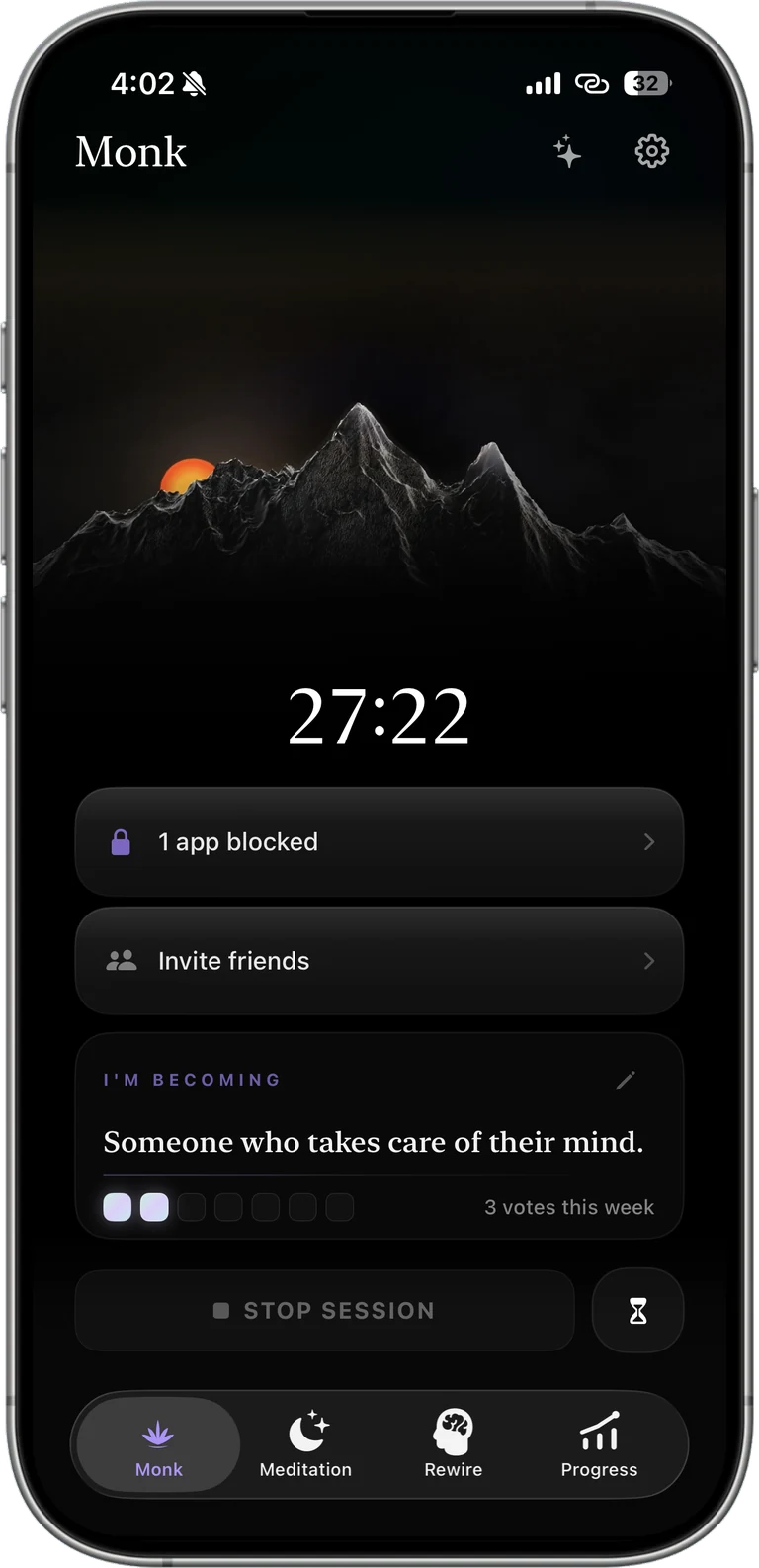
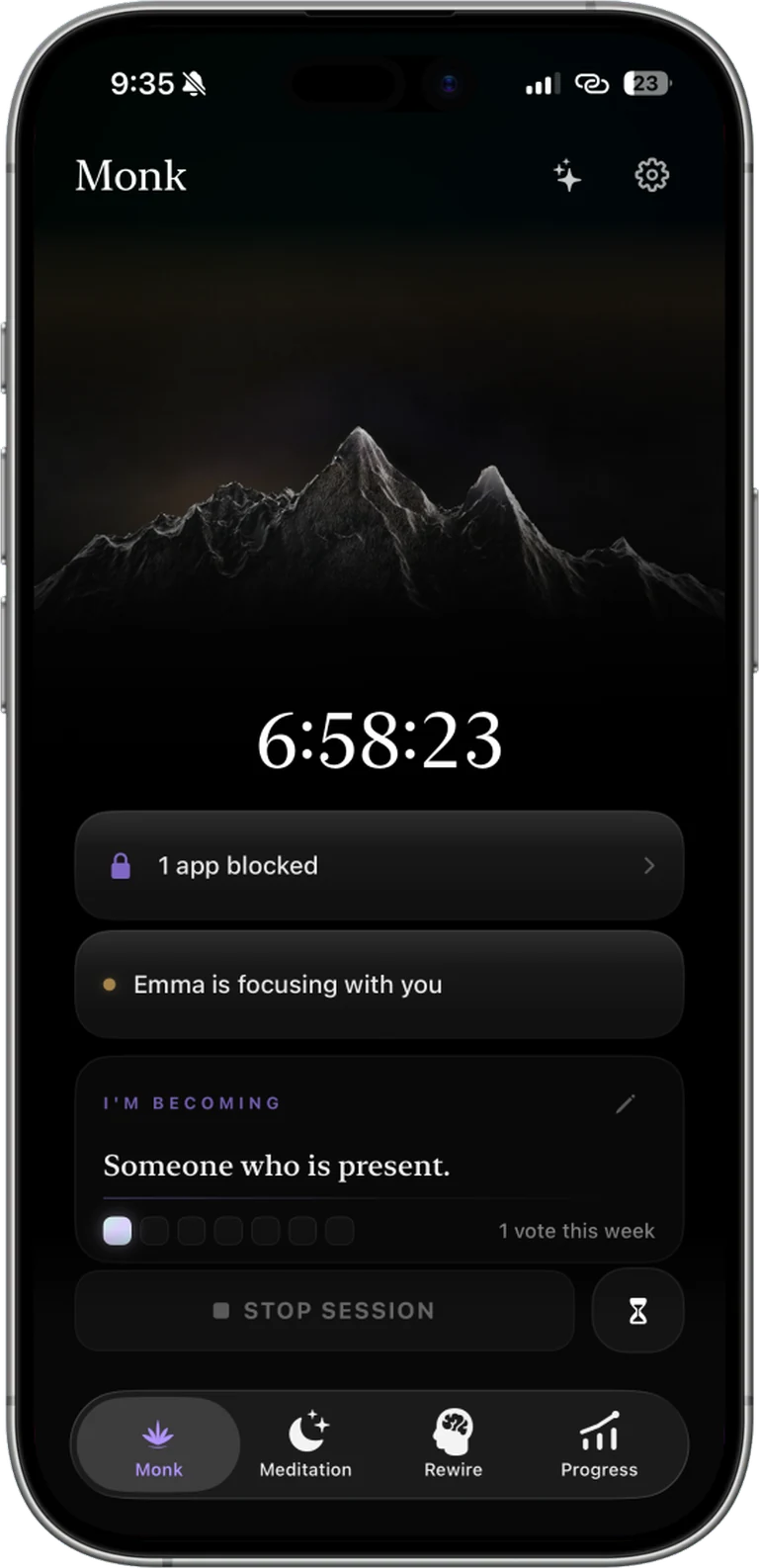
Cascade Monk
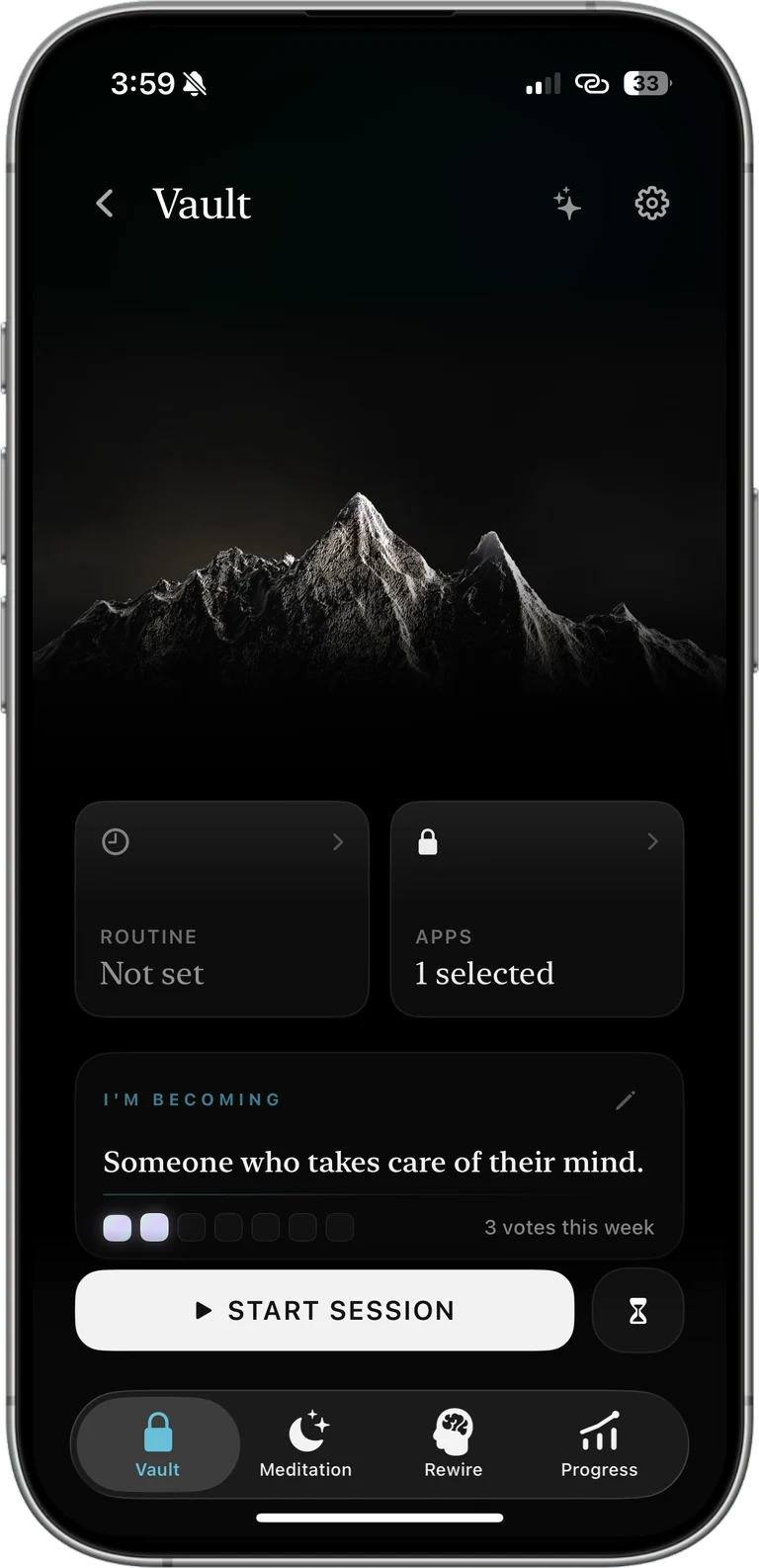
Cascade Vault
Naming what you are blocking for
The list of who you are becoming
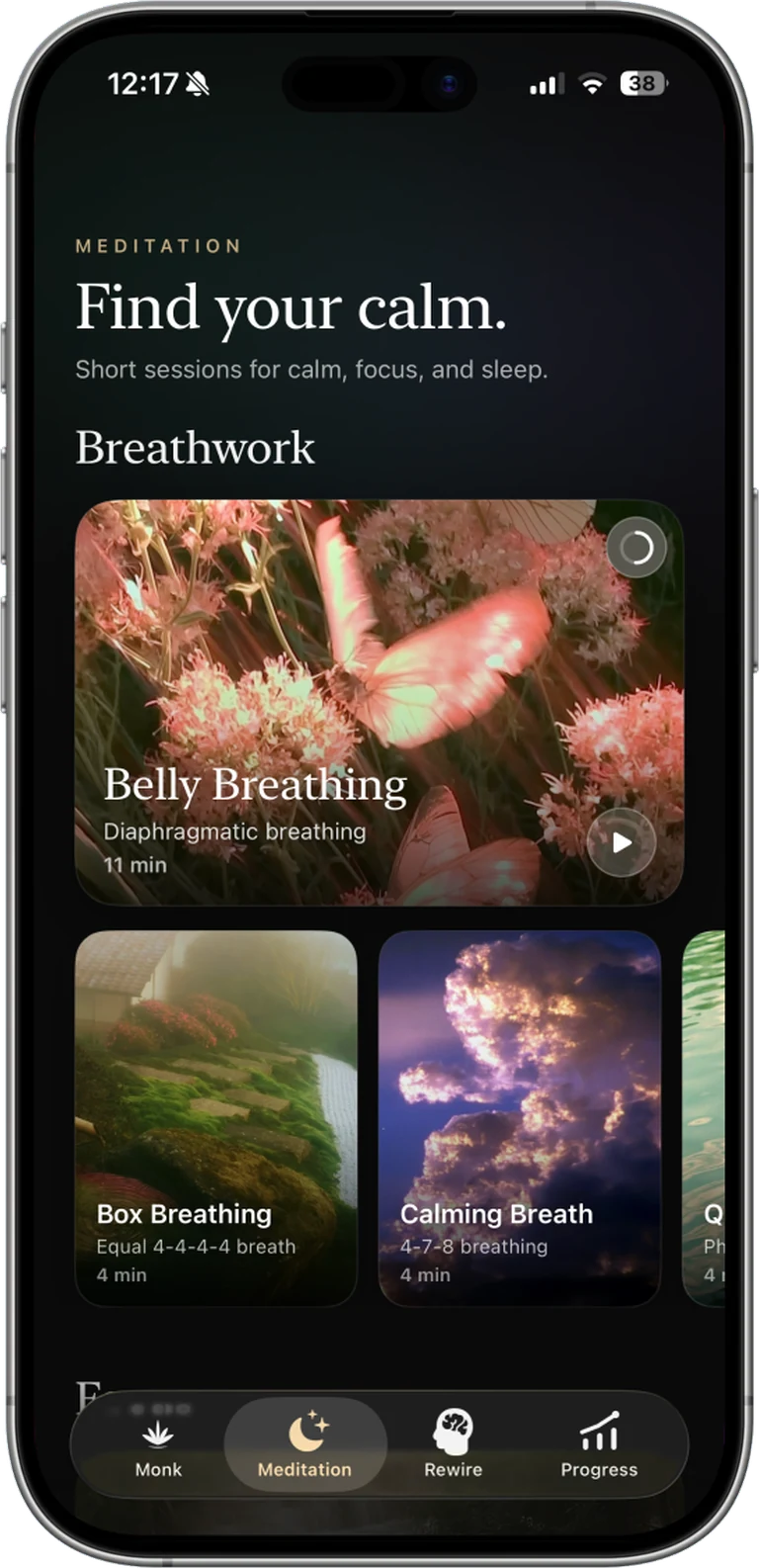
Cascade Meditation
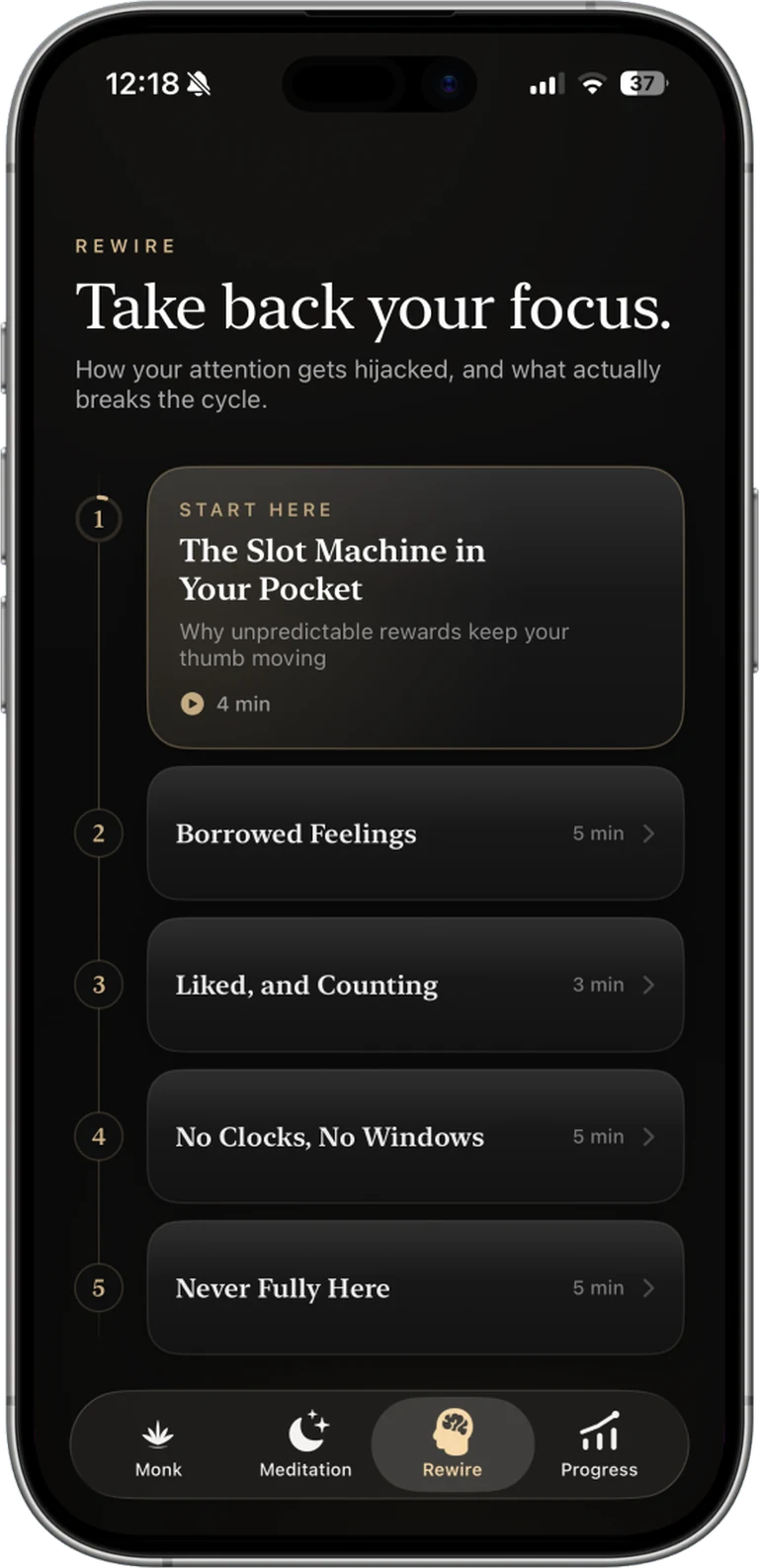
Cascade Rewire
Cascade asking what you are feeling right now
Cascade asking how strong the urge is
Cascade Monk Mode routine schedule
A Cascade offline activity suggestion
Cascade session complete screen

Choose your mode.

Zen keeps it simple.

Pick the apps you want blocked, choose how long, and start the session. Free, with no limits.

Monk mode is for being more intentional.

The block works the same way as Zen. What changes is what happens when you reach for the stop button.

If you decide to stop early, Cascade holds up a mirror.

Stopping while you understand what pulled you back is a different thing from stopping without noticing.

Then it offers you something better than your phone.

What it offers depends on why you stopped. Boredom, tension, loneliness and plain habit do not call for the same answer, so the suggestion changes with the reason. It might be a breathing exercise, something small to do away from the screen, or a question worth sitting with for a moment. Whatever it is, it asks a minute or two of you and it does not send you back to your phone.

Vault holds you to the promise you made.

You make the decision before the session starts, and after that the apps do not open. Vault gives you three emergency passes a week for the times you genuinely need one, and once you have used them nothing opens until the session ends.

Every session starts with a written intention.

Before the timer starts you write, in one line, what you are blocking for.

Cascade is the bridge between you and who you are becoming.

On the other side is the version of you with a healthy relationship with technology. Every session you finish is a step toward that person.

Every session is a vote for who you are becoming.

When the timer ends you see the line you wrote for yourself, and one button: I vote for this person.

Routines start a session without you.

Set the mode, the days and the hours once. Cascade starts the session itself, even with the app closed.

Sharpen your attention with mindfulness practices.

Guided sessions inside the app. Open a blocked app during a session and you get one of these instead.

Learn how technology is built to take your attention.

Ten short lessons on how it actually works. What you can name is harder to fall for.

Also in Cascade

More features

From Cascade

Once a week Cascade sends you a letter with your weekly stats.

Enough to see the patterns in your week.

A letter from Cascade
You focused for 8h 32m
You reached to stop 36 times
When the pull hit, hour by hour
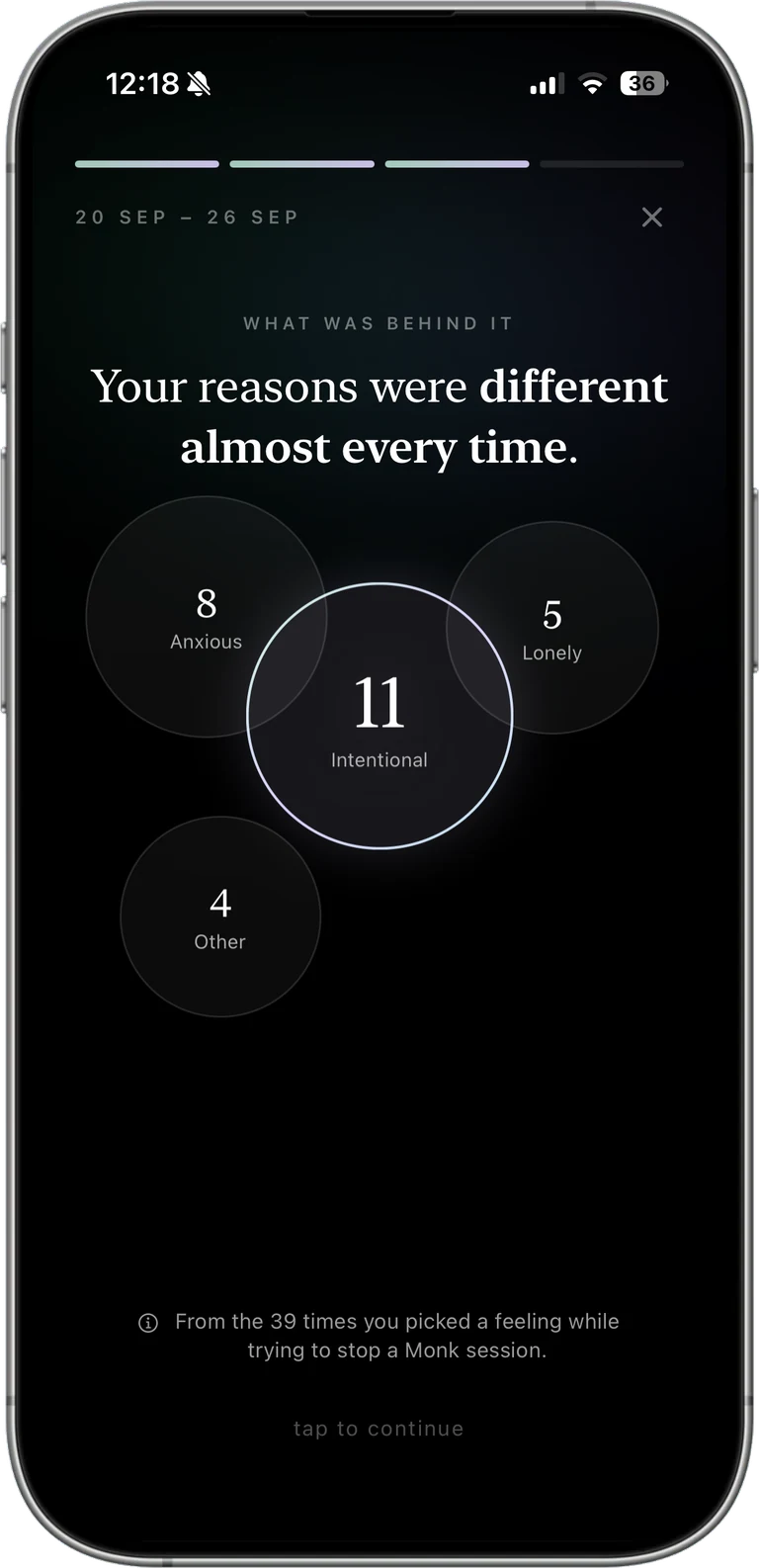
What was behind each reach
Your week, day by day

Your hours, the days you showed up, when the pull hit and what was behind it, all from what you logged during the week.

At a glance

You can start and follow a session without opening Cascade.

The countdown appears on your Lock Screen, your Home Screen and in the Dynamic Island.

Lock Screen
Cascade Zen Live ActivityCascade Monk Live ActivityCascade Vault Live Activity
Cascade unlock window Live Activity

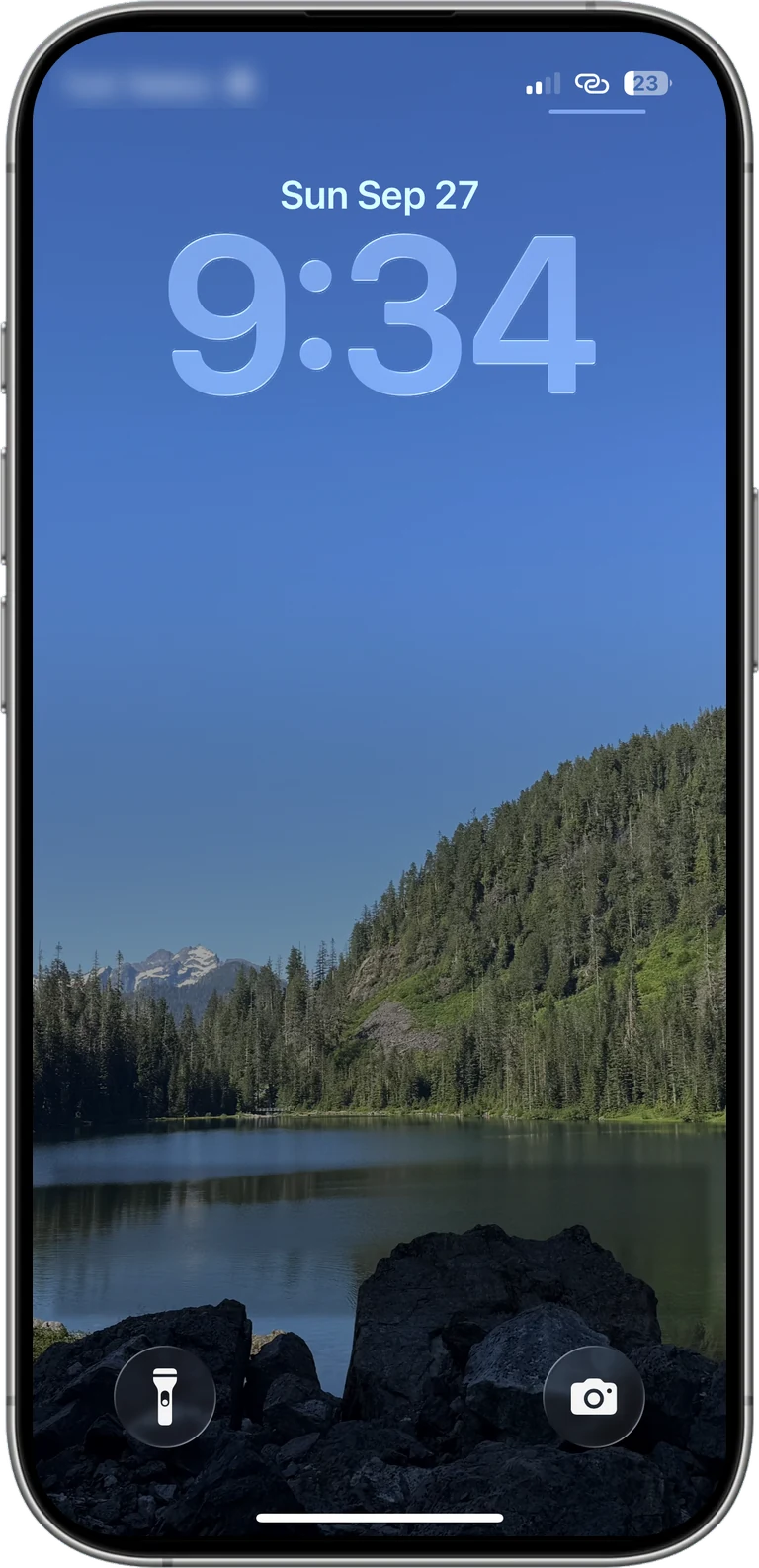
The Live Activity on the Lock Screen shows which mode is running, how much time is left and how far through the session you are.

Home Screen
Cascade medium widget with Zen, Monk and Vault Cascade small widget counting down a session

Cascade has three widget sizes for the Home Screen. The large and the medium one list Zen, Monk and Vault so that you can start a mode with a single tap without opening the app, and once a session is running every size turns into a countdown that shows the mode you are in and the time you have left.

Dynamic Island Cascade in the Dynamic Island

In the Dynamic Island the session stays at the top of the screen while you use the phone for something else.

With friends

You can also use it with your friends.

You can add up to twenty friends, and the time everyone has focused shows up in the same list next to their streak.

Your Circle
Cascade Your Circle, focused time today
Cascade Your Circle, focused time this month
Cascade Your Circle, focused time all time

The same list can be read three ways, so you can see what everyone has focused today, what they have built up over the month, and where they stand all time.

Pricing

Choose your plan

Free

$0forever
Zen mode with no limits, plus the basics.
  • Zen mode, free and unlimited
  • One meditation and one Rewire session
  • Routines, streaks & widgets
  • Friends and leaderboard
Get started

Monthly

$11.99per month
Adds Monk and Vault modes.
  • Unlimited access to Zen, Monk and Vault modes
  • Unlimited access to every meditation session, including the ones added in the future
  • Unlimited access to every Rewire session, including the ones added in the future
  • Everything in Free, included
  • Cancel anytime
Choose Monthly
Save 58% · ≈ $4.99 a month

Yearly

$59.99per year
7-day free trial
  • Unlimited access to Zen, Monk and Vault modes
  • Unlimited access to every meditation session, including the ones added in the future
  • Unlimited access to every Rewire session, including the ones added in the future
  • Everything in Free, included
  • Cancel anytime
Start free trial

Lifetime

$199.99one-time
The same Pro, paid once.
  • Unlimited access to Zen, Monk and Vault modes
  • Unlimited access to every meditation session, including the ones added in the future
  • Unlimited access to every Rewire session, including the ones added in the future
  • Every future update
  • Cheaper than 4 years on Yearly
Get Lifetime

The 7-day free trial comes with Yearly. Cancel any time before it ends and you won't be charged. Prices in USD and may vary by region.

Questions

Frequently asked questions

Can I unlock Vault mode early?

Only with a pass, and you get a fixed number of them each week. Three by default, and you set both the number and the length yourself before the week starts. Using one opens your apps for the length you chose, then the block returns on its own, and when they are gone the session runs to the end. Two other limits worth naming: deleting Cascade or turning off its Screen Time permission will end a block, and both take a few deliberate steps. If you want an easier way out, Zen lets you stop early and Monk gives you unlock windows.

Is my data private?

Yes. Blocking runs on-device with Apple's Screen Time framework, and your focus data stays yours. Cascade is built so your blocked-app choices never leave your phone.

How does the free trial work?

Yearly comes with a 7-day free trial. You won't be charged if you cancel any time before it ends, and you can manage it straight from your Apple ID subscriptions.

Does it keep working when the app is closed?

Absolutely. Blocking and scheduled routines run in the background through Screen Time. Widgets, Live Activities and the Dynamic Island keep your streak and countdown visible without opening the app.

What languages is Cascade available in?

22, fully localized, including English, Türkçe, Español, Deutsch, Français, 日本語, 한국어, 简体中文, العربية and many more.

Can I block specific apps or whole categories?

Both. Pick individual apps, or block a whole category at once.

Who we are

We are Idil and Bugra. Idil is a biotechnology major and Bugra is a computer science major, and although the two subjects do not have much to do with each other, we both carried the same idea around for years: that one day we would build something of our own, without ever really knowing what it would be.

We spent a summer saving up and then travelled through Southeast Asia. Wherever we went, the people who lived there and the travellers passing through had the same thing in common, and so did we: none of us found it easy to look up from our phones for long, even in places we had waited years to see.

Idil and Bugra on the trip that led to Cascade Idil and Bugra during the same trip

We do think technology brings people together. We also think that using it too much takes your attention and your creativity away from you, and that is why we decided to build Cascade. As Paracelsus said, the dose makes the poison.

Kokorec, our cat

We would also like to introduce Kokorec, our cat. He is five years old and the most valuable member of the family.

You only get so much attention. Spend it on what matters.

Download Cascade and start your first session now.

Download on theApp Store
Cascade Download